In an era where countless hours are spent at our keyboards, the choice of typing instrument profoundly influences not just productivity but also long-term physical comfort. While mechanical keyboards have soared in popularity for their satisfying tactile feedback and robust durability, combining this technology with ergonomic design principles unlocks a superior typing experience. This powerful synergy addresses the common aches and strains associated with prolonged computer use, transforming your workspace into a haven of efficiency and well-being.
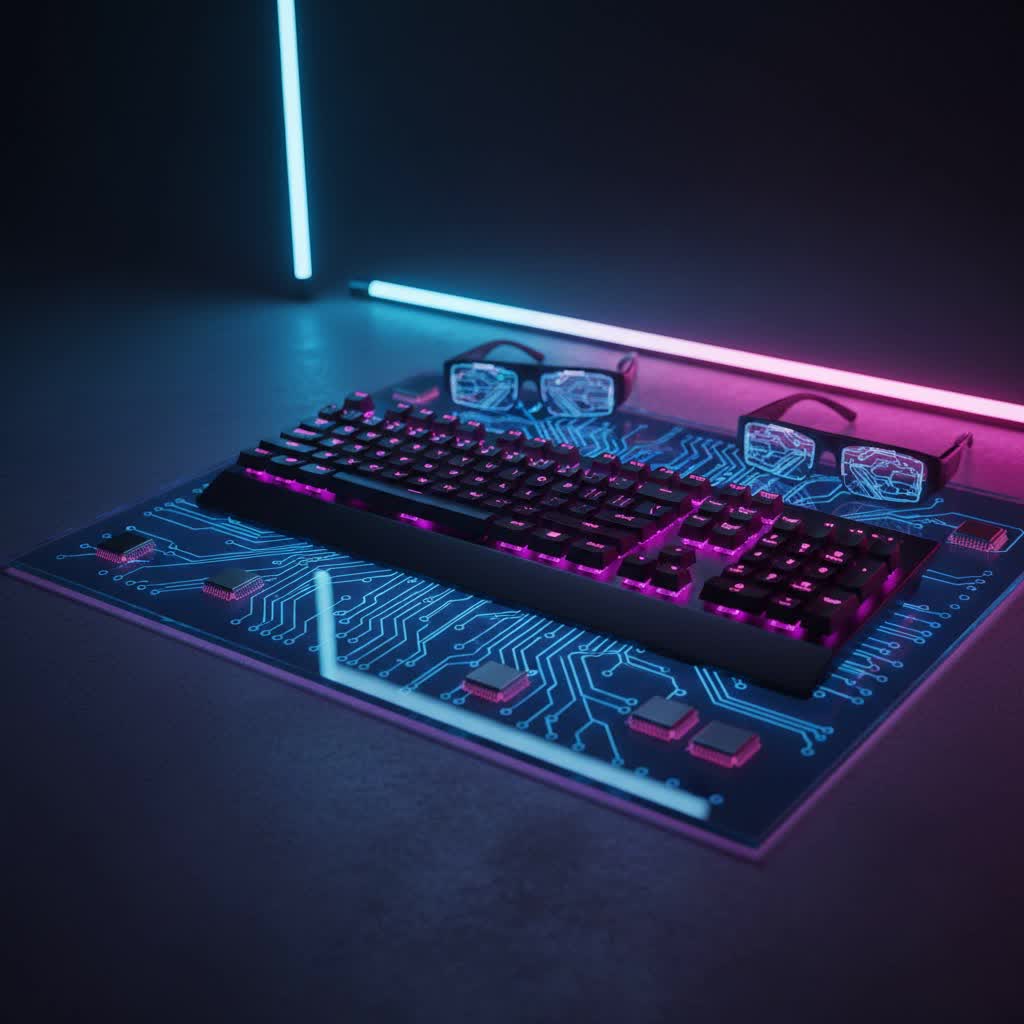
Understanding the Foundation: What is a Mechanical Keyboard?
At its core, a mechanical keyboard distinguishes itself from its conventional rubber-dome counterparts by employing individual mechanical switches beneath each keycap. Unlike the mushy feel of membrane keyboards, mechanical switches offer a distinct actuation point and reset, providing a more precise, responsive, and often more satisfying typing experience. This design also contributes to their remarkable durability, with many switches rated for tens of millions of keystrokes. Beyond the satisfying click or bump, mechanical keyboards are highly customizable, allowing users to tailor everything from switch type to keycap material.
The Science of Comfort: What Makes a Mechanical Keyboard Ergonomic?
Ergonomics is the scientific study of designing and arranging workplaces so that people can interact with them most efficiently and safely. When applied to mechanical keyboards, this means creating a device that supports your body’s natural posture, reducing physical stress and preventing repetitive strain injuries (RSIs). It’s crucial to understand that ergonomics isn’t a binary state; a keyboard is either more or less ergonomic, and the ideal solution is highly personal, depending on individual physiology, work habits, and environment.
Key ergonomic features to look for in a mechanical keyboard include:
- Split Designs: These keyboards separate the key clusters, allowing your hands, wrists, and forearms to align naturally with your shoulders. Fully split designs offer maximum flexibility, letting you position the halves at any distance or angle, while fixed-split options (like the Alice layout) provide a gentler, integrated curve.
- Tenting: Many ergonomic keyboards incorporate “tenting,” where the inner edges of the keyboard are raised, angling your hands upwards. This reduces forearm pronation, a common cause of wrist and elbow pain from palms facing down while typing.
- Palm/Wrist Rests: An integrated or detachable wrist rest provides crucial support, keeping your wrists in a neutral, relaxed position rather than hyperextended or bent.
- Columnar or Ortholinear Layouts: Departing from the traditional staggered layout (a relic from typewriters), these designs arrange keys in straight vertical columns. This mirrors the natural up-and-down movement of your fingers, minimizing awkward diagonal stretches and reducing finger fatigue.
- Thumb Clusters: Strategic placement of frequently used keys around the thumb area allows for easier access, leveraging your strongest digits and reducing strain on your weaker pinky fingers.
- Concave Key Wells: Found in advanced designs, these sculpted wells cradle your hands, reducing finger travel distance and making keys more accessible.
- Programmability and Custom Layers: The ability to remap keys, create macros, and set up different layers of functionality minimizes unnecessary finger stretches and allows for a truly personalized workflow.
The Transformative Advantages: Benefits of Ergonomic Mechanical Keyboards
Investing in an Ergonomic Mechanical Keyboard yields a multitude of benefits that extend beyond mere comfort:
- Enhanced Comfort and Improved Posture: By promoting a natural alignment of hands, wrists, and forearms, these keyboards significantly reduce muscle tension. This encourages better overall typing posture, leading to less strain on your shoulders and back.
- Reduced Strain and Injury Prevention: The primary advantage is the substantial reduction in the risk of developing RSIs such as carpal tunnel syndrome, tendonitis, and general wrist or forearm pain. The design actively mitigates the awkward angles and repetitive motions that contribute to these conditions.
- Increased Productivity and Typing Speed: A comfortable and natural typing position reduces fatigue, allowing for longer, more focused work sessions. While there might be an initial adjustment period, many users report increased typing speed and accuracy once adapted, as their hands move more efficiently and with less effort.
- Customization for Individual Needs: With a vast array of ergonomic designs, switch types, and customizable features, you can find a keyboard that perfectly matches your unique physiological needs and typing preferences.
Navigating the Landscape: Types of Ergonomic Mechanical Keyboards
The world of ergonomic mechanical keyboards offers diverse designs, each with unique advantages:
- Split Keyboards: These are perhaps the most recognizable ergonomic design.
- Fixed Split (e.g., Alice Layout): Features a gentle, non-adjustable horizontal curve that angles the hands slightly outwards. These are often a good entry point as they require less adaptation than fully split models.
- Fully Split Keyboards: Comprising two completely separate halves, these offer unparalleled flexibility. Users can adjust the distance between the halves and angle them independently, providing optimal customization for shoulder and wrist alignment. Examples include the Kinesis Freestyle series and the ZSA Moonlander.
- Tented Keyboards: Often integrated with split designs, tenting raises the center of the keyboard to create an upward slope. This helps maintain a neutral wrist position by reducing pronation.
- Concave Keywell Keyboards: Exemplified by the Kinesis Advantage, these feature a three-dimensional “bowl” shape where keys are arranged in vertical columns. This design drastically minimizes finger travel but typically comes with a steeper learning curve due to its departure from conventional layouts.
- Wave Keyboards: These one-piece keyboards feature a subtle wave-like curvature and often include an integrated, cushioned palm rest. They offer a gentle ergonomic improvement without the radical design changes of split or keywell keyboards, making them easy to adapt to.
- Ortholinear/Columnar Layouts: While not always split, these keyboards arrange keys in straight columns rather than the traditional staggered grid. This design optimizes for natural finger movement, reducing lateral strain.
Making the Right Choice: How to Select Your Ergonomic Mechanical Keyboard
Choosing the perfect ergonomic mechanical keyboard requires careful consideration of your personal needs and preferences.
Defining Your Usage Needs
|
Our Picks for the Best Mechanical Keyboard in 2026
As an Amazon Associate I earn from qualifying purchases.
|
||
| Num | Product | Action |
|---|---|---|
| 1 | MageGee Portable 60% Mechanical Gaming Keyboard, MK-Box LED Backlit Compact 68 Keys Mini Wired Office Keyboard with Red Switch for Windows Laptop PC Mac - Black/Grey |

|
| 2 | AULA F75 Pro Wireless Mechanical Keyboard,75% Hot Swappable Custom Keyboard with Knob,RGB Backlit,Pre-lubed Reaper Switches,Side Printed PBT Keycaps,2.4GHz/USB-C/BT5.0 Mechanical Gaming Keyboards |
|
| 3 | AULA F99 Wireless Mechanical Keyboard,Tri-Mode BT5.0/2.4GHz/USB-C Hot Swappable Custom Keyboard,Pre-lubed Linear Switches,RGB Backlit Computer Gaming Keyboards for PC/Tablet/PS/Xbox |
|
| 4 | AULA F2088 Typewriter Style Mechanical Gaming Keyboard Wired,Blue Switches,Rainbow LED Backlit,Removable Wrist Rest,Media Control Knob,Retro Punk Round Keycaps,USB Wired Computer Keyboard |
|
| 5 | Logitech MX Mechanical Wireless Illuminated Performance Keyboard, Tactile Quiet Switches, Backlit Keys, Bluetooth, USB-C, macOS, Windows, Linux, iOS, Android, Metal, Graphite |
|
| 6 | Redragon Mechanical Gaming Keyboard Wired, 11 Programmable Backlit Modes, Hot-Swappable Red Switch, Anti-Ghosting, Double-Shot PBT Keycaps, Light Up Keyboard for PC Mac |
|
| 7 | GravaStar Mercury V75 HE Keyboard, 75% Hall‑Effect Magnetic Switch Gaming Keyboard, 8000 Hz Polling, 0.005RT, Wired USB-C, RGB Backlit, Adjustable Actuation, Semi‑Aluminum Chassis-Stealth Black |
|
| 8 | SOLAKAKA A99 Pro Mechanical Keyboard with LCD Screen & Metal Knob, Wireless Gaming Keyboard with BT5.0/2.4GHz/USB-C, Hot Swappable Creamy Keyboard, Gasket Structure, RGB Backlit, for Win/Mac |
|
| 9 | SteelSeries USB Apex 5 Hybrid Mechanical Gaming Keyboard – Per-Key RGB Illumination – Aircraft Grade Aluminum Alloy Frame – OLED Smart Display (Hybrid Blue Switch) |
|
| 10 | Wood Pattern Mechanical Keyboard Wireless & Bluetooth Brown Keyboard – RGB Backlit Hot-Swappable PBT Keycaps Aesthetic Keyboard for Mac, Windows, iOS & Android – Ergonomic Gaming & Office Keyboard |
|
Start by identifying your primary activities. Are you a gamer seeking fast actuation and responsiveness? A writer or programmer needing comfort for long typing sessions and reduced finger fatigue? Or a general office user looking to prevent strain? Your usage will guide your choices in layout, switch type, and features.
Understanding Your Budget
Ergonomic mechanical keyboards often represent a greater investment than standard models due to their specialized design and components. Establish a realistic budget, understanding that a higher price often correlates with superior build quality, advanced features, and greater customization.
Key Features to Prioritize
- Layout: Decide if a fixed split (like an Alice layout) or a fully customizable split design is best for your comfort level and willingness to adapt. Consider tenting options for wrist and forearm alignment.
- Switch Type:
- Linear Switches (e.g., Cherry MX Red, Gateron Red): These offer a smooth, consistent keystroke without a tactile bump or audible click. They are popular among gamers for their fast, unobstructed actuation and quiet operation, ideal for rapid key presses.
- Tactile Switches (e.g., Cherry MX Brown, Gateron Brown): Providing a noticeable “bump” midway through the keypress, these switches offer feedback without the loud click. They are a favorite among typists who value the confirmation of actuation for accuracy, offering a balanced feel for both typing and some gaming.
- Clicky Switches (e.g., Cherry MX Blue, Gateron Blue): Characterized by both a tactile bump and a distinct audible “click,” these switches offer satisfying auditory and physical feedback. They are highly favored by typists who enjoy the clear sound and feel of each keystroke, though their noise level might not be suitable for shared office environments.
- Keycap Material and Profile:
- Materials: ABS (Acrylonitrile Butadiene Styrene) keycaps are common, offering a smooth feel but can develop a shine over time. PBT (Polybutylene Terephthalate) keycaps are more durable, often have a textured feel, and are highly resistant to shine and wear.
- Profiles: Popular profiles like OEM and Cherry offer sculpted keys that conform to finger curvature. Others like DSA provide a uniform, flatter surface across all keys, while SA profiles are taller with a spherical top. Your preference impacts typing feel and aesthetics.
- Build Quality: Look for keyboards made with sturdy materials like aluminum frames, which contribute to longevity and stability during intense typing.
- Programmability: Advanced programmability (often via QMK/VIA software) allows for extensive customization, remapping keys, and creating macros, which can significantly enhance comfort and efficiency by reducing strenuous finger movements.
- Wrist Rest: Ensure the keyboard either comes with an integrated wrist rest or supports an external one to maintain proper wrist posture.
The Importance of Trying Before You Buy
Comfort is highly subjective. Whenever possible, try out different ergonomic mechanical keyboards in person. Feel the switches, test the layouts, and assess the overall comfort to ensure the keyboard truly suits your unique ergonomic needs. An ideal keyboard should feel like a natural extension of your hands.
Maintaining Your Ergonomic Mechanical Keyboard
To ensure your ergonomic mechanical keyboard remains a reliable and comfortable tool for years to come, proper maintenance is key:
- Regular Cleaning: Dust, crumbs, and debris can accumulate between keycaps and affect switch performance. Use compressed air, a soft brush, and a microfiber cloth for regular cleaning. For deeper cleaning, carefully remove keycaps (using a keycap puller) to access and clean the switches and plate underneath.
- Proper Handling: Avoid eating or drinking directly over your keyboard to prevent spills. When transporting a split keyboard, ensure both halves are securely packed to prevent damage.
- Software Updates: Keep your keyboard’s firmware and accompanying software updated to benefit from bug fixes, new features, and improved performance.
Conclusion
The ergonomic mechanical keyboard is more than just a peripheral; it’s an investment in your long-term health, comfort, and productivity. By understanding the principles of ergonomics and the diverse features available, you can select a keyboard that aligns with your body’s natural mechanics, transforming your typing experience from a potential source of strain into an effortless and enjoyable activity. Whether you’re a professional typist, a dedicated gamer, or simply spend extensive hours at your desk, the right ergonomic mechanical keyboard can make a profound difference.
Are you ready to redefine your typing experience and prioritize your physical well-being?
