Have you ever finished a long day of typing with aching wrists, tense shoulders, or discomfort that just won’t seem to go away? Many people experience this, often without realizing their keyboard might be the culprit. A traditional, monolithic keyboard forces your hands and wrists into unnatural angles, leading to strain over time. But what if there was a better way? Enter the Split Mechanical Keyboard, an ergonomic marvel designed to revolutionize your typing experience. This comprehensive guide will delve into everything you need to know about these innovative devices, helping you understand their benefits, features, and how to choose the perfect one for your unique needs.
What is a Split Mechanical Keyboard?
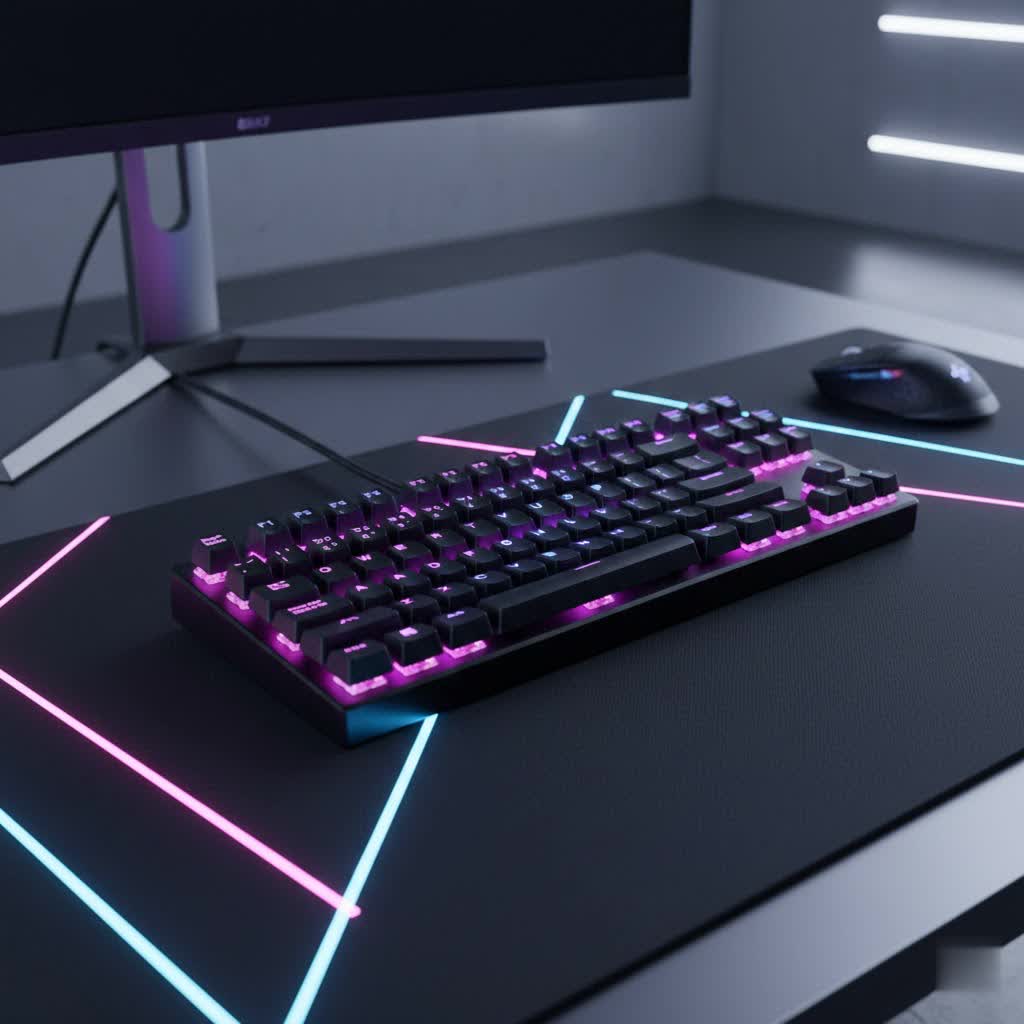
A split mechanical keyboard is an ergonomic input device characterized by its physically divided key layout, typically separated into two independent modules for the left and right hands. Unlike conventional keyboards that force your hands together, the split design allows users to position each half at a comfortable distance and angle, promoting a more natural alignment of the wrists, forearms, and shoulders.
The concept of ergonomic keyboards emerged to combat repetitive strain injuries (RSI) like carpal tunnel syndrome, which became increasingly prevalent with the rise of computer usage. Split keyboards represent a significant evolution in this ergonomic journey, moving beyond simple curved or wave designs to offer true customization in hand placement.
At its core, a split mechanical keyboard, like any mechanical keyboard, consists of several key components:
- Switches: Individual mechanical switches beneath each keycap register keystrokes, providing tactile, auditory, or linear feedback.
- Keycaps: The individual covers placed on top of the switches, often customizable in material, profile, and legends.
- Plate: A rigid component often found between the PCB and switches, providing structural stability and influencing typing feel.
- PCB (Printed Circuit Board): The electronic board to which switches are soldered or hot-swapped, responsible for translating key presses into digital signals.
- Case: The outer housing that encases all internal components, varying widely in material, design, and aesthetics.
|
Our Picks for the Best Mechanical Keyboard in 2026
As an Amazon Associate I earn from qualifying purchases.
|
||
| Num | Product | Action |
|---|---|---|
| 1 | Redragon Mechanical Gaming Keyboard Wired, 11 Programmable Backlit Modes, Hot-Swappable Red Switch, Anti-Ghosting, Double-Shot PBT Keycaps, Light Up Keyboard for PC Mac |

|
| 2 | SOLAKAKA A99 Pro Mechanical Keyboard with LCD Screen & Metal Knob, Wireless Gaming Keyboard with BT5.0/2.4GHz/USB-C, Hot Swappable Creamy Keyboard, Gasket Structure, RGB Backlit, for Win/Mac |
|
| 3 | MageGee Portable 60% Mechanical Gaming Keyboard, MK-Box LED Backlit Compact 68 Keys Mini Wired Office Keyboard with Red Switch for Windows Laptop PC Mac - Black/Grey |
|
| 4 | Logitech MX Mechanical Wireless Illuminated Performance Keyboard, Tactile Quiet Switches, Backlit Keys, Bluetooth, USB-C, macOS, Windows, Linux, iOS, Android, Metal, Graphite |
|
| 5 | AULA F2088 Typewriter Style Mechanical Gaming Keyboard Wired,Blue Switches,Rainbow LED Backlit,Removable Wrist Rest,Media Control Knob,Retro Punk Round Keycaps,USB Wired Computer Keyboard |
|
| 6 | GravaStar Mercury V75 HE Keyboard, 75% Hall‑Effect Magnetic Switch Gaming Keyboard, 8000 Hz Polling, 0.005RT, Wired USB-C, RGB Backlit, Adjustable Actuation, Semi‑Aluminum Chassis-Stealth Black |
|
| 7 | SteelSeries USB Apex 5 Hybrid Mechanical Gaming Keyboard – Per-Key RGB Illumination – Aircraft Grade Aluminum Alloy Frame – OLED Smart Display (Hybrid Blue Switch) |
|
| 8 | AULA F99 Wireless Mechanical Keyboard,Tri-Mode BT5.0/2.4GHz/USB-C Hot Swappable Custom Keyboard,Pre-lubed Linear Switches,RGB Backlit Computer Gaming Keyboards for PC/Tablet/PS/Xbox |
|
| 9 | Wood Pattern Mechanical Keyboard Wireless & Bluetooth Brown Keyboard – RGB Backlit Hot-Swappable PBT Keycaps Aesthetic Keyboard for Mac, Windows, iOS & Android – Ergonomic Gaming & Office Keyboard |
|
| 10 | AULA F75 Pro Wireless Mechanical Keyboard,75% Hot Swappable Custom Keyboard with Knob,RGB Backlit,Pre-lubed Reaper Switches,Side Printed PBT Keycaps,2.4GHz/USB-C/BT5.0 Mechanical Gaming Keyboards |
|
The distinction of a split mechanical keyboard lies in how these components are arranged across two separable units, often connected by a cable or wirelessly. This division is what unlocks its profound ergonomic advantages.
The Ergonomic Imperative: Why Split Matters
The primary motivation behind split mechanical keyboards is ergonomics. Traditional keyboards often induce poor posture, leading to discomfort and potential long-term health issues. Split designs address several critical ergonomic challenges:
- Ulnar Deviation: When typing on a standard keyboard, your wrists are often bent outwards towards your little fingers. This “ulnar deviation” constricts the carpal tunnel, reducing blood flow and putting pressure on the median nerve, which can lead to pain and injury. Split keyboards eliminate this by allowing you to separate the halves and align your wrists straight with your forearms.
- Forearm Pronation: A flat keyboard forces your palms to rotate face down, causing forearm pronation. Sustained pronation increases pressure on forearm muscles, reducing circulation and leading to fatigue. Many split keyboards incorporate “tenting,” where the inner edges of the keyboard halves are elevated, allowing your hands to rest at a more neutral, handshake-like angle.
- Shoulder Width and Posture: By separating the keyboard halves, you can position them at shoulder-width distance, opening up your chest and allowing your shoulders to relax. This prevents slouching and rounded shoulders, promoting an overall healthier typing posture.
Beyond preventing strain, the customizable nature of split keyboards can also enhance typing efficiency and comfort, particularly for those who spend extensive hours at their desk. This flexibility allows for a tailored setup that matches your unique physiology and typing style.
Key Components of a Split Mechanical Keyboard
Understanding the individual elements that make up a split mechanical keyboard is crucial for making an informed choice.
Types of Switches
The switch is the heart of a mechanical keyboard, determining the feel and sound of each keystroke. While the choice of switch is personal, they generally fall into three main categories:
- Linear Switches:
- Characteristics: Smooth, consistent travel from top to bottom, with no tactile bump or audible click.
- Popular Types: Cherry MX Red, Gateron Red, Cherry MX Speed Silver.
- Pros: Fast actuation, quiet (especially when lubricated), favored by many gamers for rapid double-taps.
- Cons: No tactile feedback can lead to accidental key presses, not ideal for typists who prefer a distinct activation point.
- Best For: Fast-paced gaming and office environments where noise is a concern.
- Tactile Switches:
- Characteristics: Feature a noticeable “bump” in the key travel that signals actuation, but no audible click.
- Popular Types: Cherry MX Brown, Gateron Brown, Zealios V2.
- Pros: Provide clear feedback without being excessively loud, good balance for typing and gaming, easier to avoid bottoming out keys.
- Cons: The bump can feel subtle to some, less immediate feedback than clicky switches.
- Best For: Typists who value feedback, programmers, and those seeking a versatile switch for mixed use.
- Clicky Switches:
- Characteristics: Produce both a tactile bump and an audible “click” sound at the actuation point.
- Popular Types: Cherry MX Blue, Gateron Blue, Kailh Box White.
- Pros: Satisfying auditory and tactile feedback, clear indication of key press, popular for typists who enjoy the sound.
- Cons: Can be very loud, potentially disruptive in shared spaces.
- Best For: Typists who love the classic mechanical keyboard sound and feel, and those who work in isolated environments.
Many split keyboards are hot-swappable, meaning you can easily change switches without soldering, allowing for experimentation and customization.
Types of Keycaps
Keycaps are not just decorative; they significantly influence the typing experience through their material, profile, and texture.
- Keycap Materials:
- ABS (Acrylonitrile Butadiene Styrene):
- Pros: Smooth finish, vibrant colors, readily available, often thinner.
- Cons: Prone to developing a shiny “greasy” look over time due to finger oils, less durable.
- PBT (Polybutylene Terephthalate):
- Pros: Textured, matte finish, highly durable, resistant to shine and wear, thick and robust feel.
- Cons: Can be more expensive, color options might be less vibrant than ABS, sometimes has a slightly rougher texture.
- POM (Polyoxymethylene):
- Pros: Very durable, smooth and slick feel, resistant to oils, unique acoustic properties.
- Cons: Less common, often more expensive, limited color choices.
- ABS (Acrylonitrile Butadiene Styrene):
- Keycap Profiles:
- OEM Profile: The most common profile, found on many stock keyboards. Keys are sculpted with varying heights and angles across rows.
- Cherry Profile: Similar to OEM but slightly lower in height and with a subtly different sculpting. Often preferred by enthusiasts for its comfort and aesthetic.
- DSA Profile: Uniform height and shape across all keycaps, allowing for flexible keycap arrangements.
- SA Profile: Tall, spherical keycaps with a retro aesthetic and a distinctly sculpted feel across rows.
- Choosing Keycaps: Your choice depends on aesthetic preference, typing feel, and durability needs. PBT is often recommended for its longevity and resistance to shine, while Cherry profile is a popular choice for typing comfort.
Exploring Layouts and Features
Split mechanical keyboards offer a wide array of layouts and features beyond just the split design.
- Fixed Split vs. Adjustable Split:
- Fixed Split: These keyboards have a single-piece design where the key groupings are separated, but the distance between them is fixed. They reduce ulnar deviation but offer less customization.
- Adjustable Split: These are truly two separate modules, allowing you to customize the distance and angle between the halves to perfectly match your shoulder width and wrist angle. This offers maximum ergonomic benefit.
- Tenting and Splay:
- Tenting: Elevating the inner edges of the keyboard halves, often adjustable to various angles, to reduce forearm pronation.
- Splay: Rotating the two key modules outwards to allow your wrists to remain straight.
- Ortholinear vs. Staggered:
- Ortholinear: Keys are arranged in a grid, with columns aligned vertically. This layout is often considered more natural as fingers move up and down, not diagonally.
- Staggered: The traditional QWERTY layout where rows are shifted horizontally, a legacy of typewriters. Most split keyboards offer a staggered layout for easier transition.
- Thumb Clusters: Many ergonomic split keyboards feature dedicated key clusters for the thumbs, making frequently used modifier keys (like Space, Enter, Shift) more accessible and reducing strain on pinky fingers.
- Programmability (QMK/VIA): Advanced split keyboards often support open-source firmware like QMK (Quantum Mechanical Keyboard) or VIA, allowing for deep customization of key mappings, layers, and macros. This enables you to tailor the keyboard’s functionality to your specific workflow.
- Connectivity: Available in both wired (USB-C being standard) and wireless (Bluetooth, 2.4 GHz) options, offering flexibility for different setups.
How to Choose the Perfect Split Mechanical Keyboard
Selecting a split mechanical keyboard is a personal journey. Here’s a guide to help you find your ideal typing companion:
-
Identify Your Needs:
- Ergonomics First: Are you experiencing wrist pain or shoulder discomfort? Prioritize models with adjustable split, tenting, and splay.
- Typing Workload: Do you type extensively for programming, writing, or data entry? Consider tactile or linear switches, PBT keycaps, and a layout that supports your workflow (e.g., ortholinear for some programmers).
- Gaming: Gamers might prefer linear switches for speed and a split design that creates more space for mouse movement. Programmable macros can also be a significant advantage.
- Portability: If you travel frequently, look for models that are easily separated and reassembled, or more compact designs.
-
Set Your Budget: Split mechanical keyboards often come with a higher price tag due to their specialized design and smaller production volumes. Prices can range from moderately affordable to premium, depending on build quality, features, and brand.
-
Consider Key Factors:
- Adjustability: Opt for an adjustable split keyboard for maximum ergonomic benefit, allowing you to fine-tune separation, tenting, and splay angles.
- Switches: Experiment with different switch types if possible. Many vendors offer switch testers. Consider hot-swappable boards for future flexibility.
- Keycaps: PBT keycaps offer superior durability and resistance to shine. Choose a profile you find comfortable.
- Build Quality: Look for sturdy materials like aluminum or high-quality plastic cases, and stable tenting mechanisms.
- Programmability: QMK/VIA compatibility is a huge plus for customization, allowing you to remap keys and create layers for optimal efficiency.
- Connectivity: Decide between wired for reliability or wireless for a clutter-free desk.
- Palm Rests: Integrated or detachable palm rests can significantly enhance comfort, supporting your palms and maintaining a neutral wrist position.
-
Where to Buy:
- Specialty Keyboard Retailers: Websites dedicated to mechanical keyboards often have the widest selection of split models and components.
- Manufacturer Websites: Brands like Kinesis, ZSA, and Keychron sell directly and offer detailed product information.
- Online Marketplaces: Amazon and other large retailers may carry popular pre-built models.
- Community Forums: Reddit communities like r/ErgoMechKeyboards or r/MechanicalKeyboards are excellent resources for recommendations, reviews, and sometimes group buys for custom kits.
Cleaning and Maintenance of Your Split Mechanical Keyboard
Proper care ensures the longevity and performance of your split mechanical keyboard.
- Regular Dusting: Use a can of compressed air to blow out dust and debris from between the keycaps.
- Keycap Removal and Cleaning:
- Use a keycap puller to carefully remove keycaps.
- Wash keycaps in warm, soapy water (dish soap works well). For PBT keycaps, a gentle brush can remove stubborn grime.
- Rinse thoroughly and allow them to air dry completely before reattaching.
- Cleaning the Plate and Switches: With keycaps removed, use a small brush or a cotton swab dampened with isopropyl alcohol to clean around the switches and the plate. Be careful not to let liquid seep into the switches.
- Case Cleaning: Wipe down the keyboard case with a microfiber cloth, lightly dampened with water or a mild cleaning solution.
- Cable Management: If wired, ensure cables are routed neatly and not under strain. For wireless models, keep charging ports clean.
- Avoid Spills: Keep liquids away from your keyboard. If a spill occurs, disconnect immediately, clean thoroughly, and allow to dry completely before reconnecting.
Conclusion
The split mechanical keyboard is more than just a peripheral; it’s an investment in your comfort, health, and productivity. By allowing for a truly natural typing posture, these keyboards effectively mitigate the risks of repetitive strain injuries and transform a mundane task into a comfortable experience. From the satisfying click of a mechanical switch to the customizable layout that perfectly fits your hands, exploring the world of split mechanical keyboards opens up a realm of ergonomic possibilities.
Whether you’re a coder, writer, gamer, or simply someone who spends hours at a computer, embracing a split mechanical keyboard can be a game-changer. Take the time to understand your needs, research the options, and find the model that will support you for years to come. What ergonomic improvements will you unlock with your next keyboard?
